Projector brightness makes all the difference between a presentation that looks crisp and professional and one that feels dim or washed out. The tricky part is that a projector’s lumen rating doesn’t tell you by itself how bright the image will look once it’s on a screen in an actual event space.
Screen size, ambient light, room conditions and projector placement all affect the final image. Our Channel AV team is here to break down how those factors work together and how to determine the right brightness range for your event.
Why Does Projector Brightness Matter?
Projector brightness is often oversimplified into a question of audience size. Headcount can help determine how large the image needs to be, but it doesn’t tell you how much light output the projector will need.
For example, a 100-person ballroom with controlled lighting may actually be easier to project in than a 40-person conference room with floor-to-ceiling windows. Screen size, ambient light and room conditions generally matter more than attendance when determining projector brightness.
What Do Projector Lumens Mean?
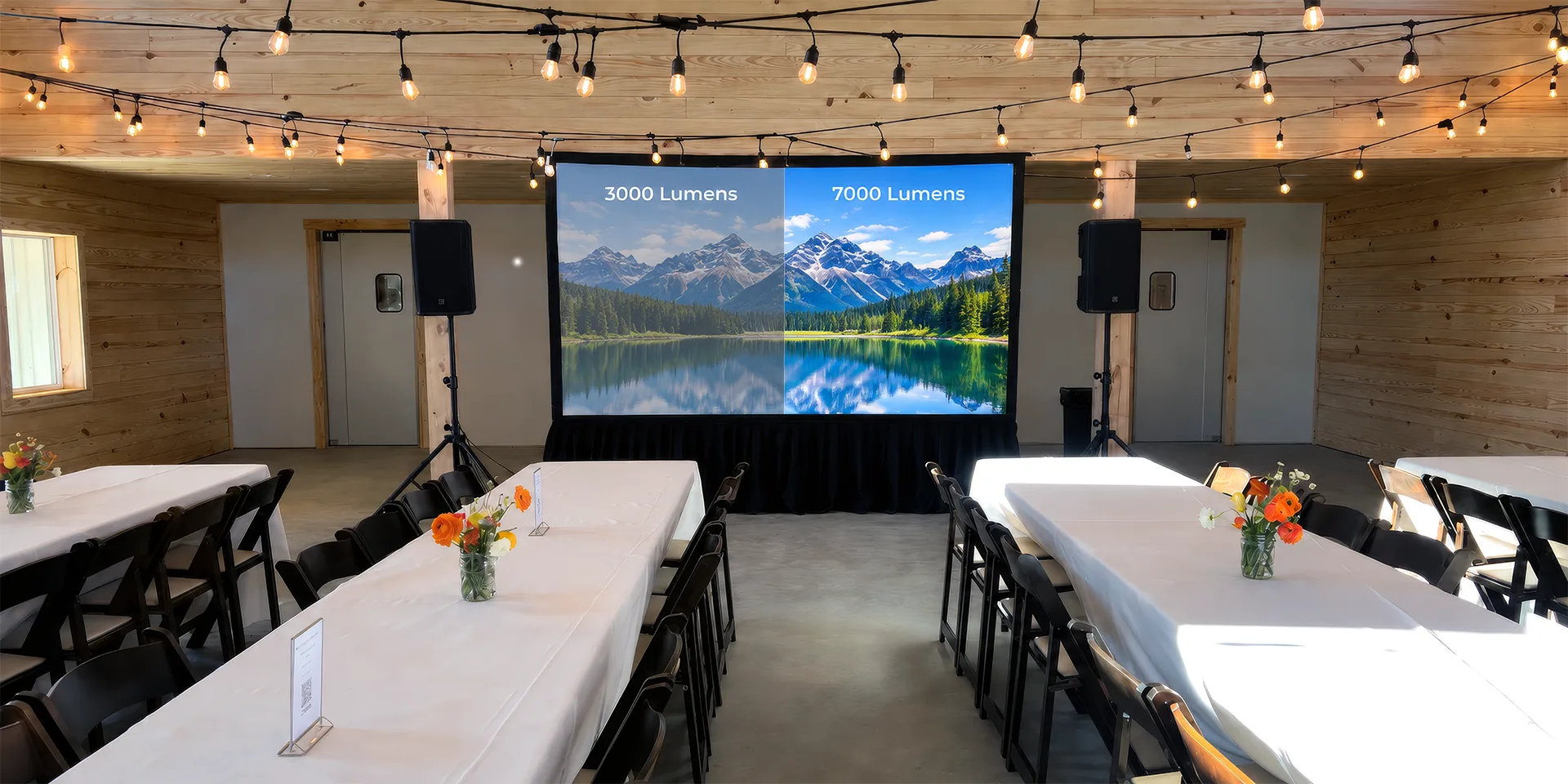
Lumens measure the amount of visible light a projector produces. In simple terms, a higher lumen rating means the projector is capable of putting more light on the screen. Event projectors are commonly rated in ANSI or ISO lumens, which use standardized methods to measure light output across the projected image.
The important part is that the lumen rating describes the projector’s output, not how bright the image will appear to the audience. As the image gets larger, the same amount of light is spread across more surface area, reducing brightness per square foot.
Additionally, screen gain may affect how much light is reflected back toward the viewers, while house lighting, windows and other ambient light reduce perceived contrast.
That’s why lumen output is only one part of the projector performance equation.
3 Factors That Determine How Many Lumens You Need
The right projector brightness depends mainly on ambient light, screen size and the physical projection setup:

1. Ambient Light and Room Lighting
Ambient light directly affects image contrast, which is why brighter rooms usually require more projector output.
For instance, hotel meeting rooms with large windows can be especially challenging because conditions may change throughout the day. A setup that looks strong early in the morning may lose contrast once afternoon daylight reaches the screen. House lighting can have the same effect, especially when the room needs to stay bright during presentations or Q&As.
The projector should be sized for the brightest conditions the room is expected to see, not just how it looks during setup.
2. Screen Size and Screen Gain
As the image gets larger, the same amount of light is spread across more surface area. Doubling the screen width at the same aspect ratio creates roughly four times the image area, which may noticeably reduce perceived brightness.
Screen gain also affects how much light reflects toward the audience. Higher-gain surfaces produce a brighter image but may reduce viewing angles, while matte white screens usually provide a better balance for corporate events.
Choosing the right screen size and material is just as essential as selecting the projector itself.
3. Throw Distance and Projector Placement
Throw distance doesn’t directly determine lumen requirements, but it does determine which projector and lens can produce the required image size from the available position.
A projector’s throw ratio defines the relationship between lens-to-screen distance and image width. Lens choice and zoom position can influence how much rated light output reaches the screen.
Projector placement also affects whether front or rear projection makes more sense for the room.
For meetings, conferences and ballroom presentations, we can match our projector and screen rentals to the screen size, throw distance and lighting conditions of the space.
The Lumen Requirements by Event Space
While screen size, ambient light and room conditions can shift the requirement up or down, here are lumen ranges that are practical starting points for corporate events:
Small Meeting Rooms: 2,000 to 3,500 Lumens
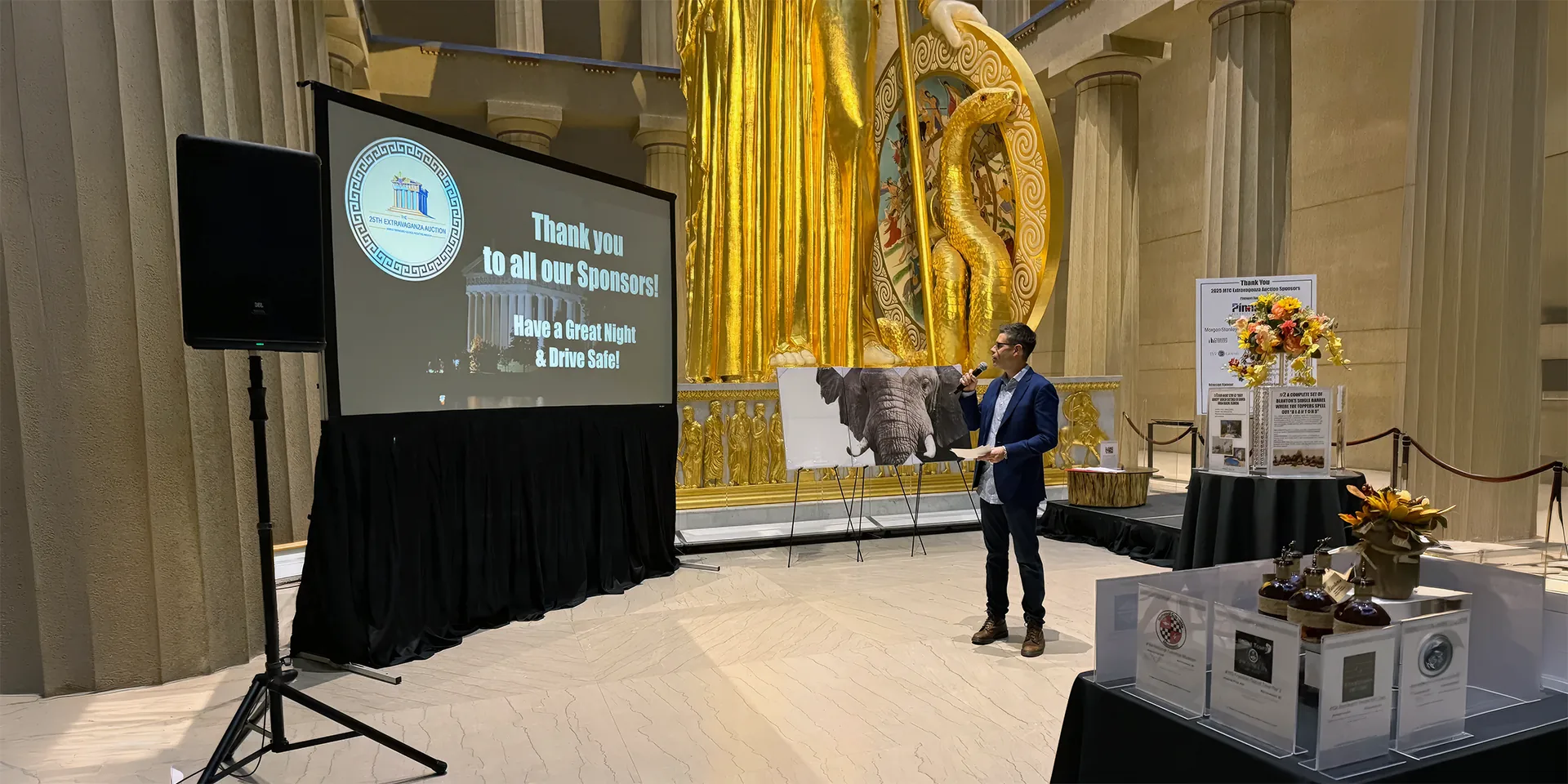
For smaller rooms with modest screens and good light control, 2,000 to 3,500 lumens is often enough. A 3,000-lumen projector can work well for presentations and training sessions where you can dim the room’s lights and daylight is limited.
Conference Rooms and Breakouts: 3,500 to 5,000 Lumens
This next range gives you more flexibility for larger images, partial room lighting and moderate daylight. A 4,000-lumen projector may be enough in controlled conditions, while 5,000 lumens provides more headroom when the lights need to stay on.
For a full conference AV setup, projector brightness should be planned alongside the screen size, room layout and other presentation equipment.
Hotel Ballrooms: 5,000 to 7,000+ Lumens
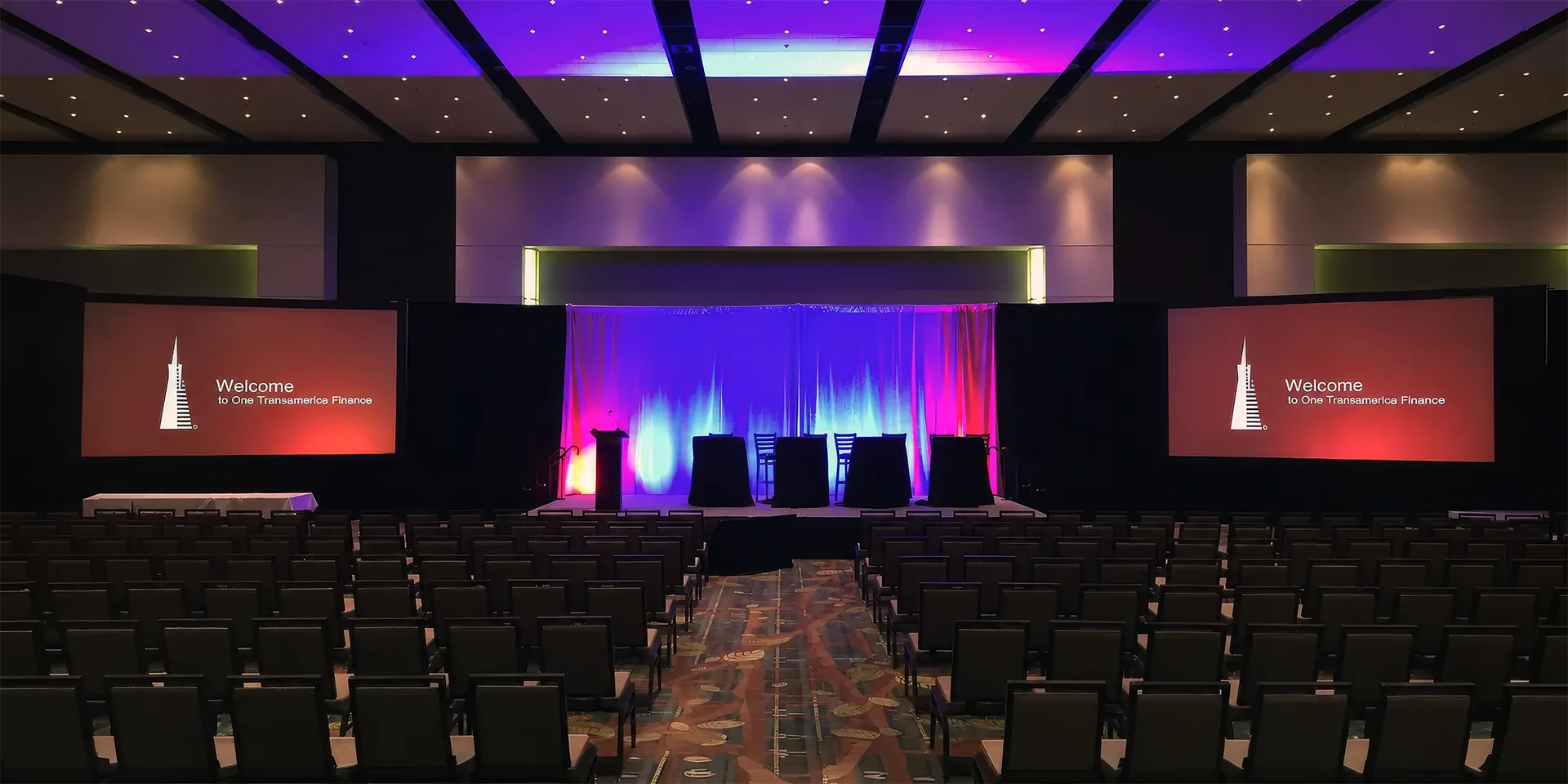
Ballroom projection commonly starts around 5,000 lumens and moves upward with larger screens and brighter room conditions. Once screen size increases substantially, required output can climb quickly.
When planning hotel ballroom AV, projection also needs to work with the room layout and overall system design. If the event also requires microphones or a PA system, those are typically planned alongside the visual setup.
Large Ballrooms and Convention Halls: 7,000 to 12,000+ Lumens
Large general sessions and convention spaces often fall into the 7,000 to 12,000-lumen range or higher. At this scale, screen dimensions, lens choice and throw distance become just as vital as raw projector output.
Outdoor Events: Daytime Projection Has Limits
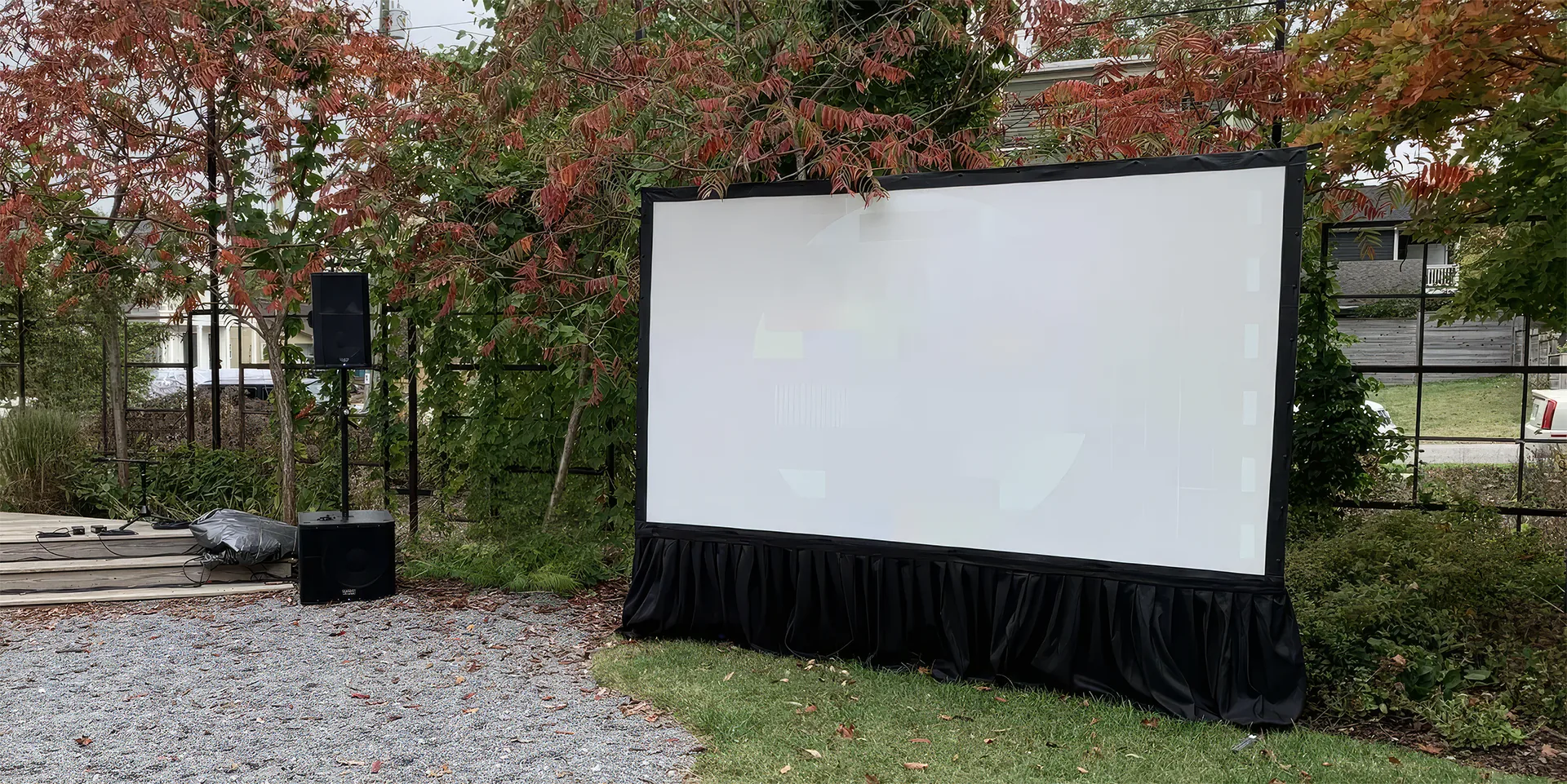
Daytime projection is difficult even with high-output equipment. A 10,000-lumen projector may still struggle in direct sunlight, so large TVs are often a better choice before sunset.
Our guide to TVs vs. projectors for outdoor events goes deeper into when each option makes more sense.
What Happens When a Projector Is Underpowered?
An underpowered projector usually shows itself through poor contrast rather than simply looking “too dark.” Colors lose punch, fine text becomes harder to read and darker video or presentation content can flatten out quickly once normal room lighting comes on.
Ambient light raises the darkest level the screen can reproduce, so adding projector brightness helps preserve the separation between highlights, shadows and text.
What Are the Signs Your Projector Isn’t Bright Enough?
A useful test during setup is to evaluate the image under the same lighting conditions the audience will actually see. If it looks strong with the lights dimmed but fades once house lighting is restored, the projector may not have enough output for the room.
This is also why a standard venue projector isn’t automatically the right choice. The projector can be perfectly capable equipment but still be undersized for a larger screen, brighter room or different layout.
Projector selection should be matched to the actual projection conditions rather than using the same package for every space.
What to Tell Your AV Rental Company Before You Book Projection
A few room-specific details can make projector selection much easier. Before booking, these are the details that help most to share with your AV rental company:
- The exact room. A venue name alone may cover dozens of very different spaces. The meeting room name, floor plan or approximate dimensions help determine screen size, throw distance and projector placement.
- The lighting conditions. Windows, house lighting and whether curtains can or can’t stay closed all affect how much brightness is needed. The important question is what the room will look like during the presentation, not just during setup.
- The screen or image size. If the screen size is already known, include it. Otherwise, the room layout and audience size can help determine an appropriate image size.
Additionally, sharing any room photos can be just as useful as measurements in some cases. Our Channel AV team has plenty of experience working in Nashville hotel meeting rooms and ballrooms to recognize many common lighting, placement and sightline issues from a few photos, which often makes it easier to narrow down the right setup.
Find the Right AV Partner for Nashville Projector and Screen Rentals
Choosing the right projector is ultimately about giving the image enough brightness for the conditions it’ll actually face. And that’s exactly how we approach projection at Channel AV, rather than relying on a fixed lumen range for every room.
Our Nashville projector rentals include delivery, setup and testing, with on-site technical support available when you need.
If you want help planning projection for an upcoming event, contact Channel AV and send over the event details.
Frequently Asked Questions About Projection Lumens
Is 3,000 lumens enough for a conference room? Often, yes. A 3,000-lumen projector can work well with a modest screen and controlled lighting. Larger screens, bright overhead lighting or significant daylight may push the requirement closer to 4,000 to 5,000 lumens.
How many lumens do I need for a hotel ballroom? For many hotel ballroom presentations, 5,000 to 7,000 lumens is a practical starting range. Larger screens or brighter room conditions may require 7,000 lumens or more.
What happens if a projector is not bright enough for an event? The image can look faded or washed out and lose contrast. Colors appear weaker and fine text becomes harder to read. Darker presentation or video content is usually affected first.
Does a brighter room require more lumens? Yes. Ambient light reduces the contrast of the projected image. The more light hitting the screen, the brighter the projector generally needs to be.
Does screen size affect how many lumens I need? Yes. As the image gets larger, the same projector output is spread across more surface area. Doubling the screen width at the same aspect ratio creates roughly four times the image area.